Convert PDF to Markdown in seconds
Free online PDF to Markdown converter — PDF to MD in one step, with automatic OCR for scanned documents. No sign-up, no upload, no limits.
Drop your PDF here — anywhere on this page
● Processed in your browser — your file never leaves your device.
Every tool to turn PDFs into clean Markdown
Free, in your browser. Your files never leave your device.
- PDF Tables to CSVEvery table in a PDF, spreadsheet-ready — one CSV per table.
- Batch PDF to MarkdownA whole folder of PDFs to Markdown in one go, as a ZIP.
- PDF to ObsidianA PDF as an Obsidian note: properties, page markers, embedded images.
- Markdown to PDFA clean PDF from Markdown — with diagrams, math and images.
- Split PDF for AICut a PDF into parts NotebookLM, ChatGPT or Claude will accept.
- PDF Metadata Viewer & EditorSee what a PDF reveals about you, then remove it for good.
- PDF to TextPlain text from any PDF, with OCR for scanned pages.
- OCR a PDFMake a scanned PDF searchable, without changing how it looks.
- Image to TextRead the text in a photo or screenshot, in seven languages.
- Word to MarkdownTurn a .docx into clean Markdown — headings, lists, tables, images.
- HTML to MarkdownPaste HTML, a web page or a Google Doc — get Markdown.
- Markdown to HTMLClean, sanitised HTML from Markdown, with a live preview.
- Split PDFSplit by page ranges, every N pages, or extract the pages you need.
- Merge PDFCombine PDFs into one, in the order you choose.
- PDF to JPGEvery page of a PDF as a JPG or PNG image, at the resolution you choose.
- JPG to PDFTurn photos, scans and screenshots into one PDF, in your order.
- Organize PDFReorder, rotate, duplicate and delete pages, with a preview of each.
- Markdown to WordA real Word document from Markdown — headings, lists, tables, links.
- Markdown Table GeneratorBuild a Markdown table in a grid, or convert CSV and spreadsheet cells.
- Token CounterExact OpenAI token counts for text, PDFs and Word files.
- Markdown Chunker for RAGSplit documents into token-sized chunks that respect headings.
- Compare PDF & TextSee what changed between two versions — text, PDF or Word, word by word.
- Markdown EditorWrite Markdown with a live preview; export to PDF, Word or HTML.
- PDF to PNGLossless PNG images of PDF pages, with sharp text, at any resolution.
- PNG to PDFScreenshots and PNG images into one PDF, pixel for pixel.
- Unlock PDFRemove the password from a PDF you can open, and save an unlocked copy.
- Redact PDFBlack out text for good — searched or drawn — with nothing left underneath.
- EPUB to PDFAn e-book as a clean, printable PDF — chapters, headings and images kept.
- PDF to EPUBReflowable e-book from a PDF, with chapters, for Kindle, Kobo and Apple Books.
- HTML to PDFAn HTML file or pasted page as a clean, readable PDF.
All PDF tools →All OCR tools →All Markdown tools →All AI document tools →
MarkdownPDF is a free PDF to Markdown converter that runs entirely in your browser. It reads the PDF locally with pdf.js, rebuilds headings, lists, and emphasis from the font metrics, and falls back to Tesseract OCR for scanned pages that have no text layer — so converting a scanned PDF to Markdown works the same as a text one. The file is never uploaded, there is no account and no page limit. The output is plain Markdown you can paste into ChatGPT, Claude, NotebookLM, Obsidian, or a Git repository.
Clean output
Headings, lists, emphasis and tables come back as real Markdown. Tick “Extract images” and every figure is saved as a file, linked where it appeared.
Verify at a glance
The original PDF sits beside the Markdown. Scanned pages read with OCR are flagged, so you know exactly which ones to check.
Never uploaded
Everything runs in your browser — text extraction and OCR included. No account, no watermark, no page limit.
How to convert PDF to Markdown
Three steps. About five seconds for a text PDF, a little longer for scans.
- 1
Drop your PDF
Drag and drop your PDF into the converter above, or click to browse your device. Nothing is uploaded — the file is read locally.
- 2
Automatic conversion
The tool extracts the text layer and rebuilds headings, lists, and emphasis as Markdown. Scanned pages with no text layer are recognized with OCR automatically.
- 3
Copy or download
Review the Markdown output, edit it if needed, then copy it to your clipboard or download it as a .md file.
Why convert PDF to Markdown?
PDF is great for sharing a fixed layout, but it is painful to edit, version, or reuse. Markdown is the opposite: a lightweight plain-text format that works everywhere — in GitHub READMEs, note-taking apps like Obsidian, static site generators, documentation platforms, and the context window of a language model. Converting a PDF to Markdown lets you:
- Feed documents to AI tools cleanly. ChatGPT, Claude, and NotebookLM read Markdown structure far better than raw PDF text — see why LLMs prefer Markdown.
- Edit the content freely in any text editor, without PDF software.
- Track changes with Git, since Markdown is plain text that diffs cleanly.
- Reuse content in wikis, blogs, knowledge bases, and RAG pipelines that expect text input.
- Future-proof your documents — plain text will still open in 30 years.
Unlike most online converters, this tool runs entirely in your browser. That means no upload wait, no privacy risk, and no server-side file size limits. To learn more, read our guide on Markdown vs PDF, or see every way to convert PDF to Markdown.
Run a real PDF. Right here.
Nothing pre-rendered. Rough edges included.
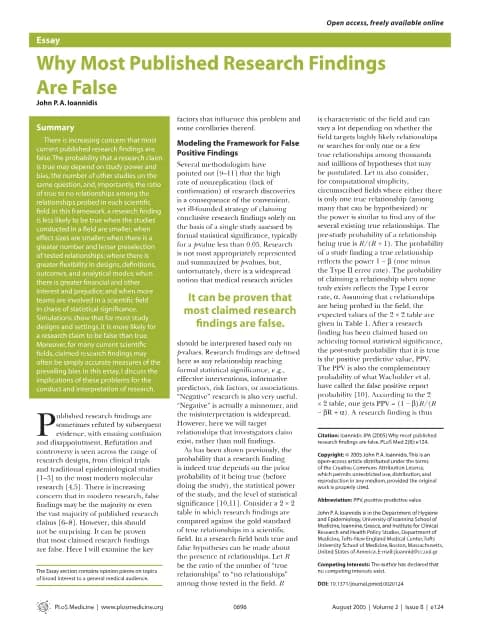 Research paperWhy Most Published Research Findings Are FalseRun it live →
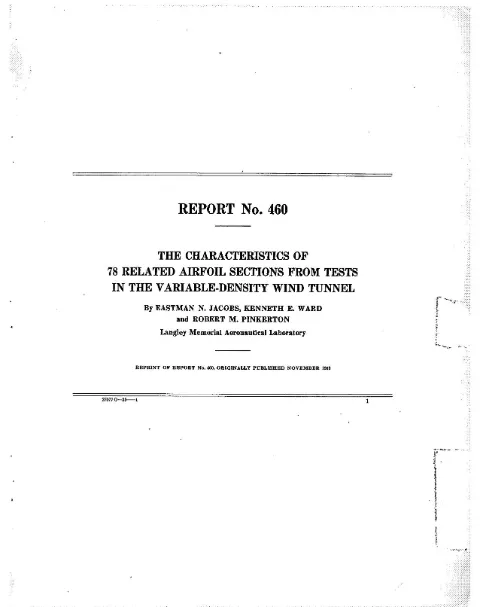 Scanned · OCRNACA Report No. 460 — 78 related airfoil sections (1933)Run it live →
 Dense tablesIncome in the United States: 2023 (excerpt)Run it live →
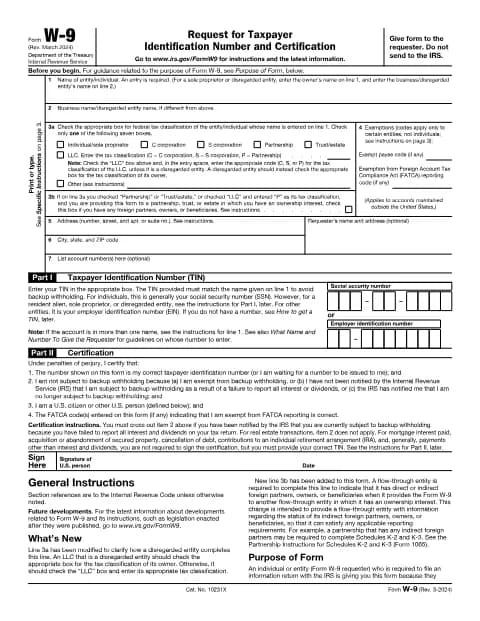 Government formIRS Form W-9 and its instructionsRun it live →
How does it stack up against other converters, Marker or Docling? See the honest comparison.
Frequently asked questions
Still stuck? Ask us.
How do I convert a PDF to Markdown?
Drop your PDF into the converter at the top of this page (or click to browse). The tool extracts the text, rebuilds headings, lists, and emphasis as Markdown, and lets you copy the result or download it as a .md file. It takes a few seconds for a typical document.
Is MarkdownPDF really free?
Yes. Both the PDF to Markdown and Markdown to PDF converters are completely free, with no account, watermark, or hidden limits.
Are my files uploaded to a server?
No. All conversion runs locally in your browser using JavaScript (pdf.js for text extraction, Tesseract for OCR). Your PDF is never uploaded, stored, or seen by any server, which makes MarkdownPDF safe for confidential documents.
Can I convert a scanned PDF to Markdown?
Yes. If a page has no embedded text layer, the converter automatically runs OCR (optical character recognition) on the page image to recognize the text. OCR PDF to Markdown conversion is slower than normal extraction, so scanned documents take a bit longer.
Does the converter need an internet connection?
Only to load the tool itself. Your PDF is never sent anywhere — it is read and converted on your device. The first time a scanned page needs OCR, your browser downloads the recognition engine and the language you picked from markdownpdf.app; the document itself stays local throughout.
Which languages can the OCR read?
English, French, Spanish, German, Portuguese, Italian, Arabic. Pick the language of your scanned pages under the drop zone before converting; the choice is remembered on your device. Pages that already contain real text are extracted directly, whatever their language.
Is there a file size limit?
There is no server-imposed limit because the conversion runs on your own device. Very large PDFs (hundreds of pages) will simply take longer, depending on your computer.
Will tables and images be converted?
Text content, headings, lists, and emphasis are converted. Tick “Extract images” to also save the pictures embedded in the PDF: they are linked in the Markdown where they appear and downloaded as a ZIP with an images/ folder (small decorative images and logos repeated on every page are kept once or skipped). Tables whose cells line up are rebuilt as Markdown tables — and the PDF tables to CSV tool exports them for a spreadsheet. Irregular tables with merged cells may need a manual pass.
Does it work on mobile?
Yes. The site works in any modern browser, including Safari on iOS and Chrome on Android. Large scanned PDFs may convert more slowly on older phones.
Guides: PDF to Markdown for every workflow
- How to Convert PDF to Markdown (Step-by-Step Guide)Learn how to convert PDF to Markdown with online tools, Pandoc, or by hand. Covers tables, scanned PDFs, OCR, and tips for getting clean, usable output.
- PDF to Markdown for NotebookLM — Free, No Upload, With OCRStop feeding NotebookLM messy PDFs. Convert them to clean Markdown in your browser in seconds — headings preserved, OCR for scans, nothing ever uploaded.
- Convert PDF to Markdown for Claude AI (Step-by-Step)Convert a PDF to Markdown before feeding it to Claude for cleaner answers, better Projects knowledge, and reliable long-document analysis. Free browser guide.
- Extract Tables From PDF to Markdown (Free Guide)How to extract tables from a PDF and convert them to clean Markdown - why PDF tables are hard, a free browser workflow, cleanup tips, and Markdown's limits.